
GSA Image Recognition-AI: Classifying Images with Neural Network/AI
The GSA Image Recognition-AI program was developed for the automatic recognition and classification of image data. The program uses a neural network and artificial intelligence for classification.
The program was developed for automatic recognition and classification of objects in image data. The program uses a Neural Network (NN) to classify the input data, which can be configured and trained to meet the given requirements.
Features:
Features:
- Resizing of the input data using different resampling methods
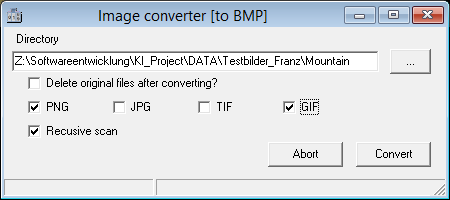
- Image format conversion function (JPG, PNG, TIF, GIF)
- Adjustable filters (gaussian filter, edge selection, color manipulations, ...)
- Access to analysis function via included web server (HTML, JSON)
- Batch processing function for testing optimal filter and neural network settings
- Trained NNs can be saved and opened with all parameters (input neurons, output neurons, weights, filters and filter sequence, ...)
- The program can be universally configured for all different applications
- Result output with user specifications (delimiters, output fields, ...)
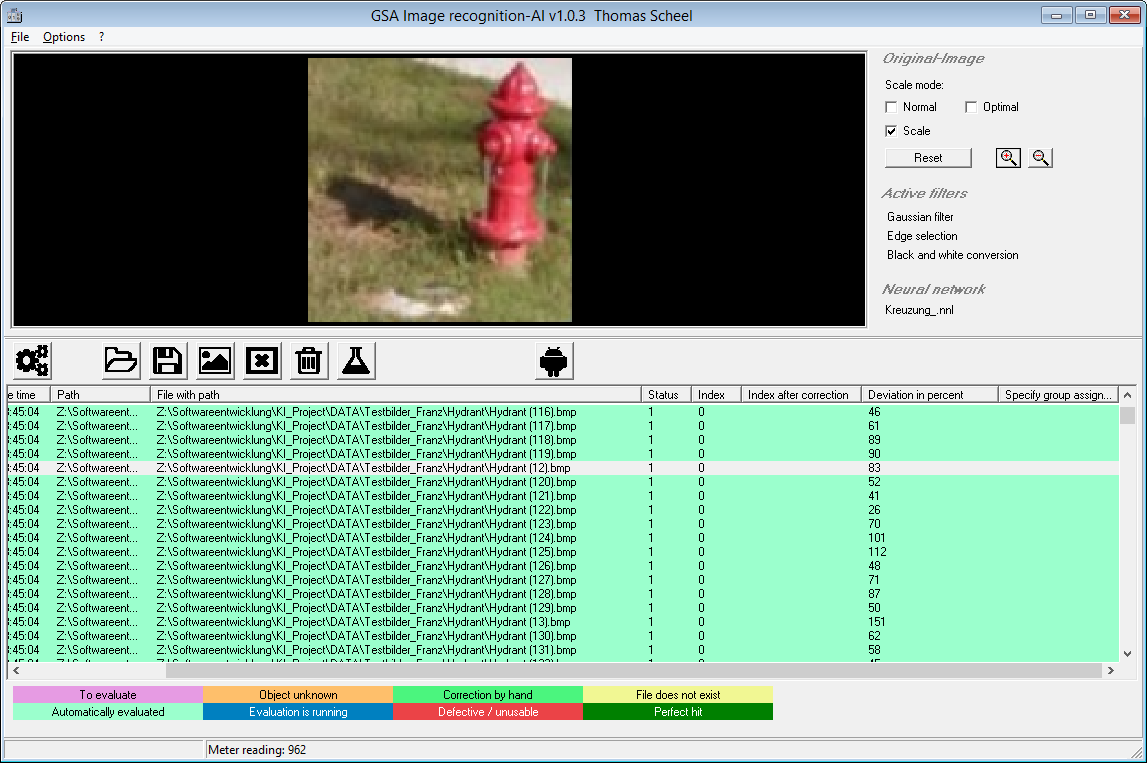
Image classification with AI
The neural network attempts to assign unknown images to a group. The determined group and the associated similarity in percent are shown as a result.
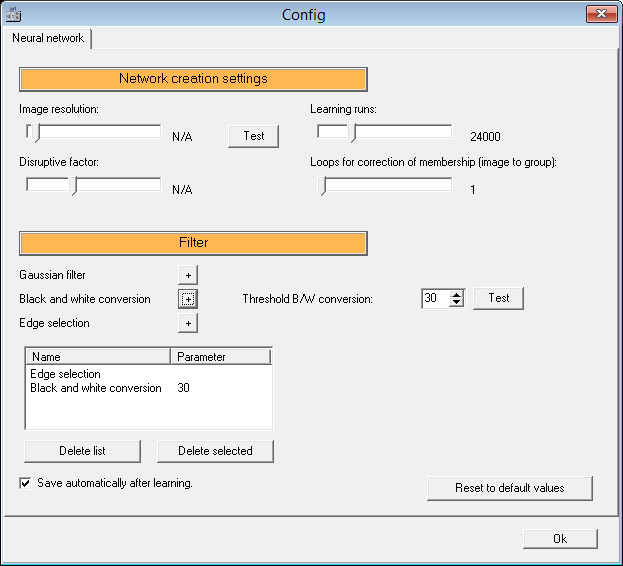
Configuration dialog
This shows several options of the NN such as resolution, learning runs and interference factor.
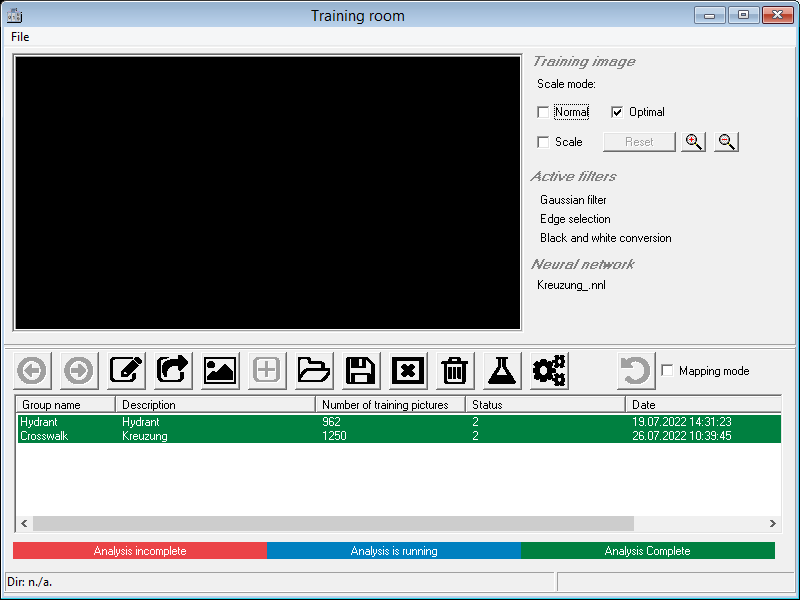
Training room
The image groups are created in this interface where training images are assigned to their groups and the process is started.
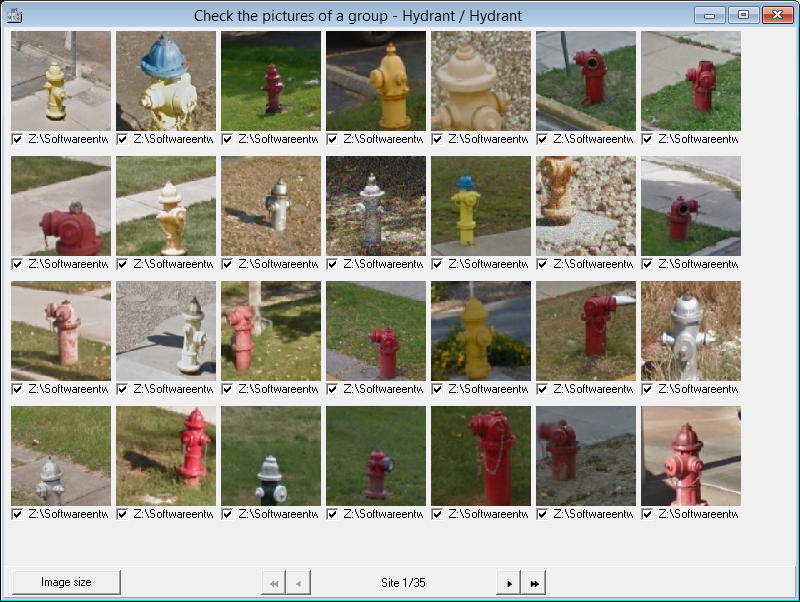
Control of labeling
Assigned images of an output group can be checked and corrected if necessary.
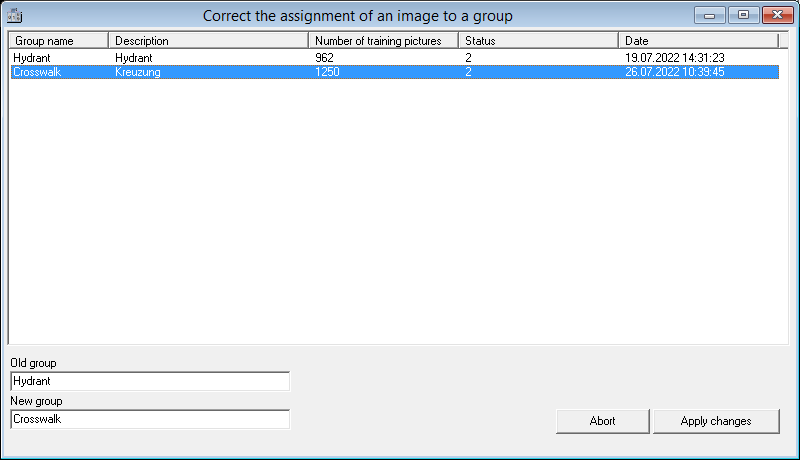
Correction window
Assigned training images of a defined group can be checked and, if necessary, corrected.
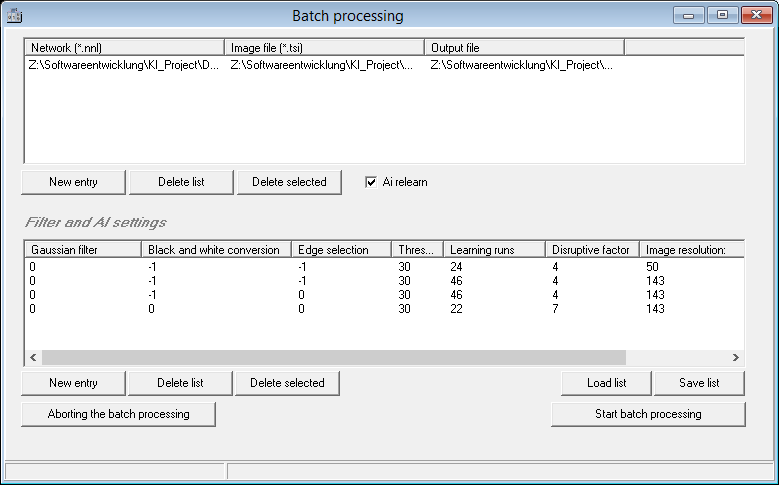
Batch processing
Settings and filters can be tested sequentially with their effects on the analysis results in a batch function.
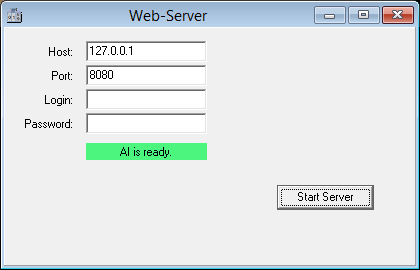
Web-Service
The fully configured NN can be operated via a web server which makes it easy to integrate the functions into external programs.
Conversion of formats
All common formats can be converted to other formats to minimize the required processing time.
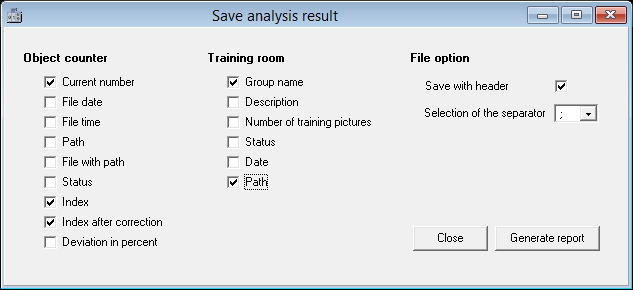
Export function
The results of the analysis can also be exported to external files.